
-Photoroom.avif)


LIGHTYX LASER LAYOUT BeamerOne™ System

DESIGN TO SITE & SITE TO DESIGN WORKFLOW
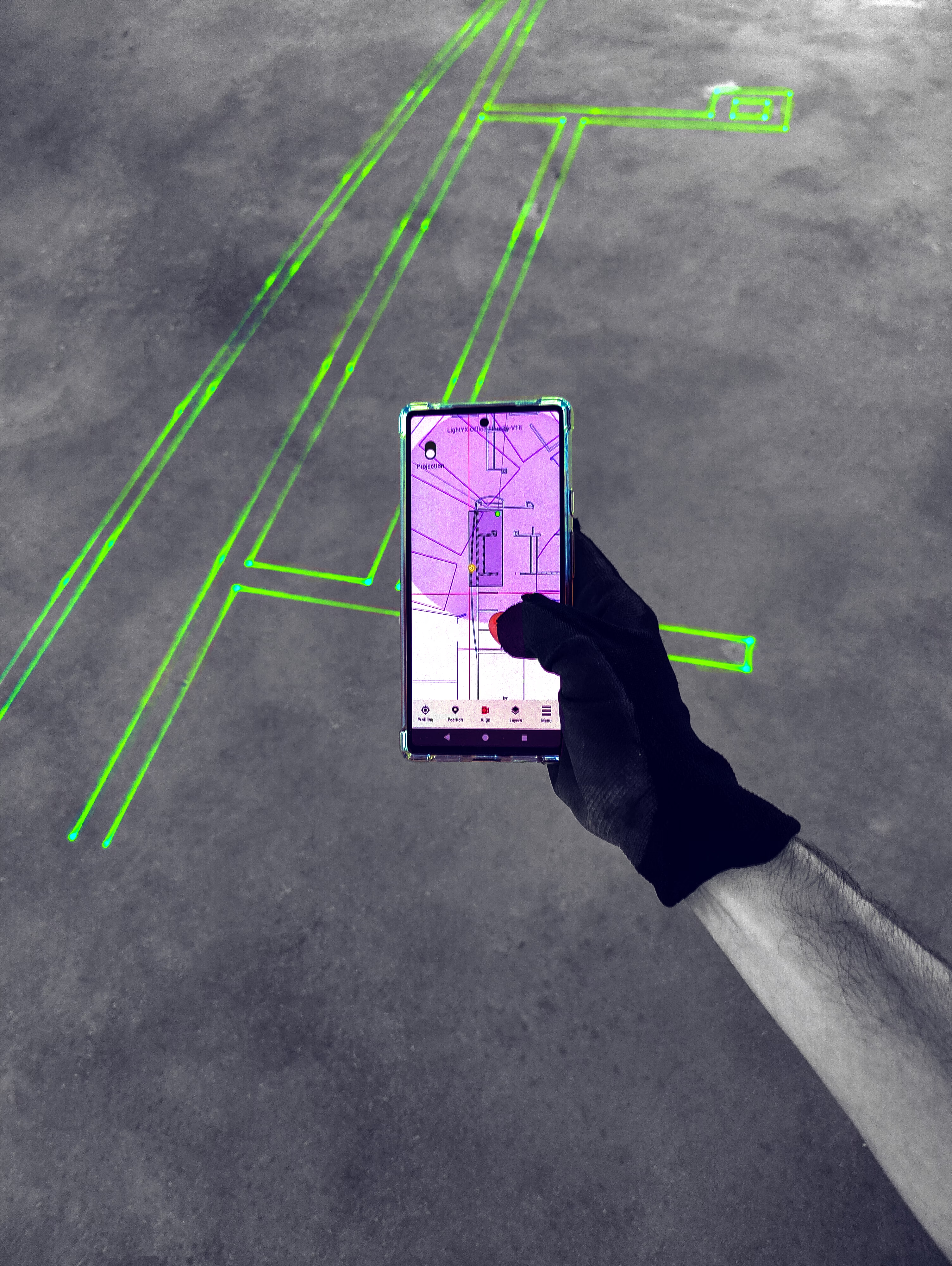
LASER PROJECTED LAYOUT
HOW IT WORKS
.avif)
.avif)
UPLOAD PLAN
Upload the latest version of your plan to the mobile BeamerOne App.

POSITION DEVICE
Position the BeamerOne™ anywhere on-site using reference points or reference elements.
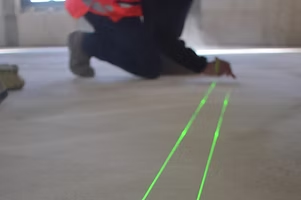
PROJECT & BUILD
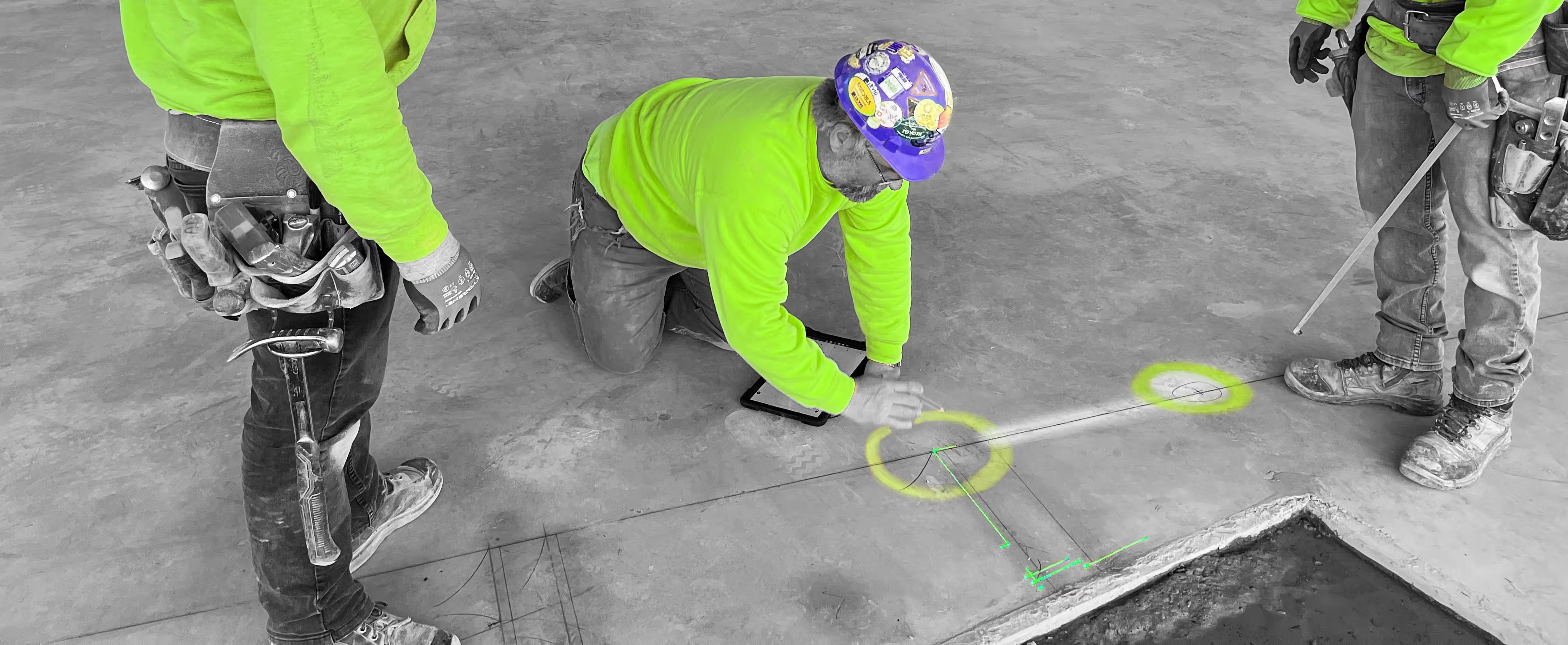
Select any area to project, see your real scale layout and start working.
%20SO%20DUPONTRENOUX.avif)
MODIFY PLAN ON-SITE
Modify in real-time on-site according to the as-built, and share with the architect.

CAPTURE AS BUILT DATA
Capture as-built information and update drawings accordingly, share & save.
MONITOR WORK
Get work progress report. Spot mistakes at the earliest stages of a project, before it’s too late.
DESIGN
LAYOUT
BUILD

LIGHTYX SOLUTION - BeamerOne™
Easy User Interface
Design to Site & Site to Design workflow

3D Scanning
We can scan elements on site, and they should appear on the drawing after being scanned.
We can create control points on site for future positioning.

scan
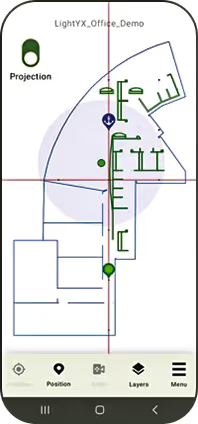
Select a region to project inside the accurate projection circle.
Mark & Build accurately
project
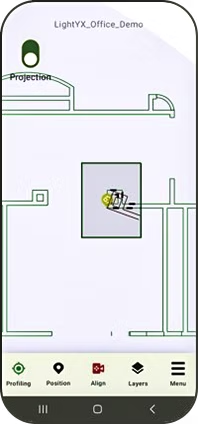
Sometimes, the actual construction doesn't precisely correspond to the drawing.
We can perform an edit of the drawing using the app while on site.
We can save the edits for “As built” documentsation
edit plan

3D Scanning and drawing changes are getting stored as an “As built” digital files that are stored on cloud and can be shared easily with all stakeholders such as Architect, VDC manager, Super intendent etc..
as built
"It's an extremely accurate and efficient machine..."
— Marco Tiberii , Union carpenter . Tightline Construction
" In half a day I've been able to lay out an 8,000 SQFTt retail space..."
— Mike Darcy , Project manager , Sachse construction
"It's probably gonna save me about 80% of the time for layout..."
— Lawrence Majcher, Drywall Superintendent , DPR construction

FAQ
What is a construction laser layout tool and how does it work?

A construction laser layout tool projects digital drawings onto the jobsite at full scale, so crews can see exactly where walls, points, penetrations, equipment, and trade layouts belong. LightYX turns BIM and CAD files into visible laser projection on floors, ceilings, and walls, reducing manual measuring, chalk lines, and plan interpretation.
How does LightYX reduce layout time and construction rework?
LightYX reduces layout time by projecting coordinated drawings directly where crews work, instead of requiring manual measurement and point-by-point marking. It also reduces rework by helping teams build from the latest coordinated digital layout, avoiding mistakes caused by wrong dimensions, outdated drawings, trade clashes, or field interpretation errors.
Why is laser projection layout better than tape measures, chalk lines, or manual layout?
Traditional layout depends on measuring, snapping lines, transferring points, and interpreting drawings in the field. Laser projection layout gives crews a full-scale visual guide directly on the construction surface, which improves speed, consistency, accuracy, and trade coordination.
What types of drawings and construction layouts can LightYX project?
LightYX can project BIM and CAD-based layouts including wall lines, MEP points, hanger locations, duct routes, sleeves, penetrations, openings, ceiling layouts, embeds, anchor points, equipment pads, and trade labels. The system is designed to bring coordinated digital drawings directly to the jobsite.
How does LightYX connect BIM coordination to real field installation?
LightYX bridges BIM-to-field execution by taking coordinated model data and projecting it at full scale on the jobsite. Instead of leaving BIM inside the office or VDC process, LightYX makes the coordinated layout visible to the field crews responsible for building it.

