
-Photoroom.avif)


Façade and curtain wall systems demand tight tolerances across large elevations. Anchor placement, embed alignment, and reference lines must all match the structural model before panels go up. When layout is done manually, small deviations often surface late — during installation — when corrections are slow and expensive.
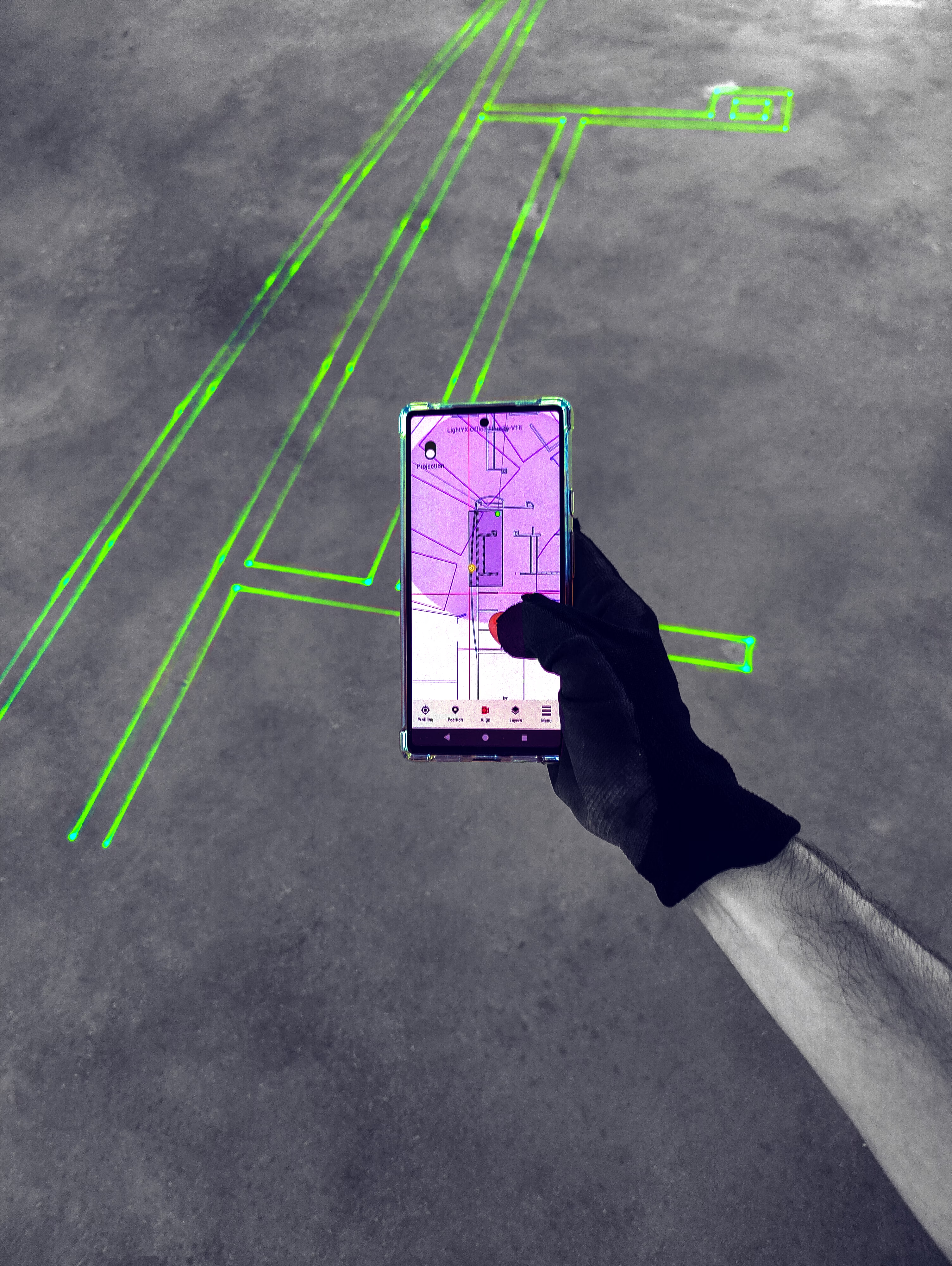
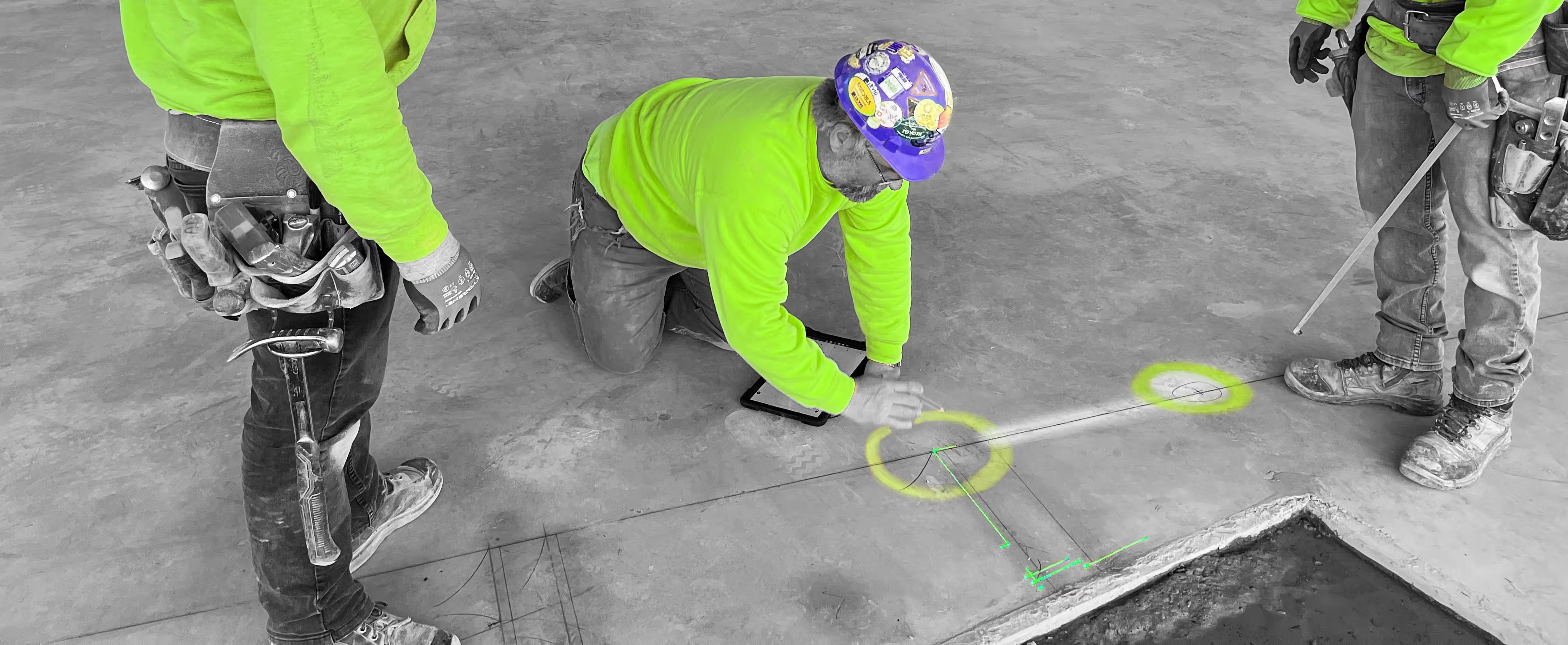
LightYX brings façade geometry directly to the field by visualizing critical reference points, grids, and interfaces at full scale on the jobsite. Installation teams can see exactly where anchors, embeds, and façade boundaries belong, allowing them to verify alignment early and proceed with confidence — reducing adjustments during panel installation and keeping envelope work on schedule.
What LightYX Does for Façades & Curtain Walls
LightYX supports accurate façade layout and verification by projecting:
- Anchor bolt and embed locations
- Curtain wall grid lines and elevation references
- Panel alignment guides
- Interface lines between façade and structure
- Opening edges and perimeter conditions
- Vertical alignment reference points
Layout is displayed directly on hard floor and ceiling surfaces, giving crews a clear spatial reference before installation begins.
Why Façade & Curtain Wall Contractors Choose LightYX
- Start Installation Sooner – Layout and verification happen before panels arrive on site.
- Improve Envelope Accuracy – Align anchors and embeds to coordinated models early.
- Reduce Adjustments During Install – Catch deviations before façade systems go up.
- Support Vertical Alignment – Maintain consistent geometry across multiple floors.
- Scale Easily on Large Elevations – Repeat accurate layout across long façades and stacked levels.
How It Works
- Import coordinated CAD or BIM façade drawings
- Align LightYX to jobsite control
- Project façade references, anchors, and grids on floors and ceilings
- Verify alignment and install directly to visual layout
- Reduce layout time, installation conflicts, and rework
Simple, visual, and built for real envelope workflows.

Built for Commercial Façades & Curtain Wall Systems
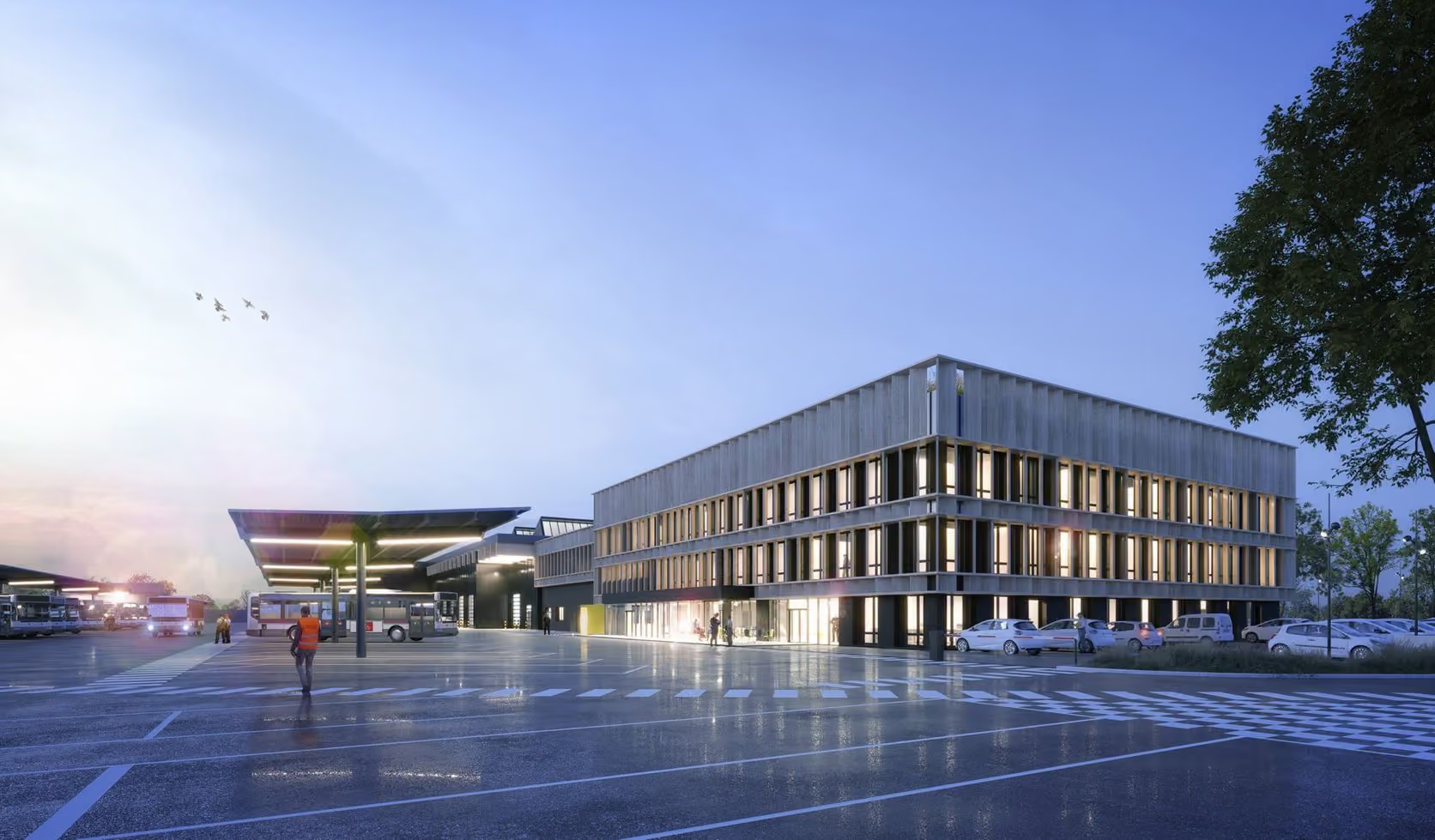
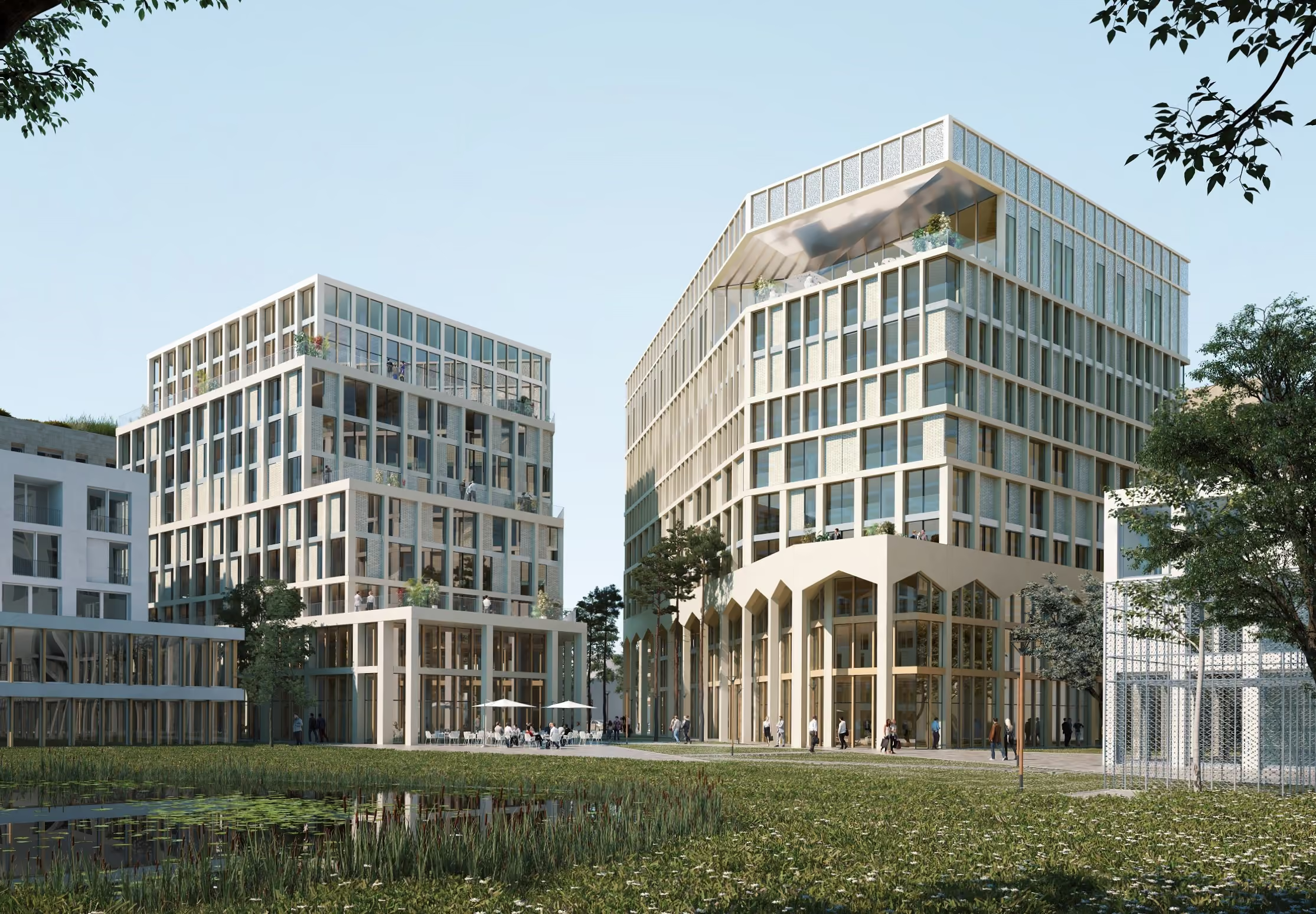
LightYX supports façade and curtain wall projects across office towers, mixed-use developments, healthcare facilities, education campuses, and large commercial buildings.
Anywhere building envelopes meet tight tolerances and complex coordination, LightYX helps teams install faster with higher confidence.
Get started with LightYX Façade & Curtain Wall Layout — bring design intent to the jobsite and deliver envelope systems right the first time.
Speed Up Layout
CONTACT US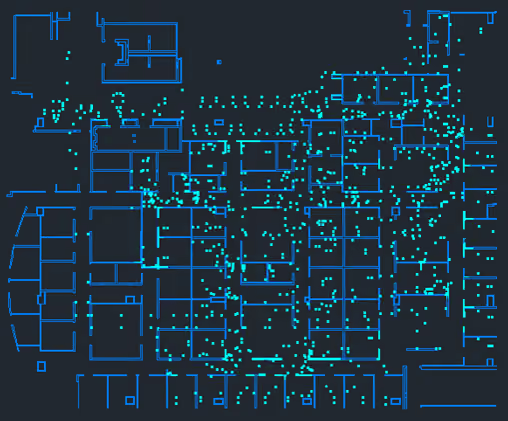




FAQ
How does LightYX improve facade and curtain wall layout accuracy?

LightYX projects facade reference lines, curtain wall grids, anchor locations, embed points, panel alignment guides, and opening edges directly from coordinated drawings. This helps crews verify critical layout before panels or facade systems are installed.
Why is digital layout important for curtain wall installation?
Curtain wall systems require tight tolerances across large elevations. Manual layout can create small deviations that become expensive during panel installation, especially when anchor placement or vertical alignment is wrong.
How does LightYX reduce rework during facade installation?
LightYX helps teams verify anchors, embeds, grids, and interface lines before installation. Catching deviations early reduces late adjustments, drilling mistakes, alignment issues, and panel installation delays.
What facade and curtain wall layout information can LightYX project?
LightYX can project anchor bolt locations, embed references, curtain wall grid lines, elevation references, panel alignment guides, opening edges, perimeter conditions, vertical alignment points, and interface lines between facade and structure.
How does LightYX help facade contractors maintain alignment across multiple floors?
LightYX provides repeatable digital layout references across stacked levels and long elevations, helping facade teams maintain consistent geometry, anchor positioning, and panel alignment throughout the building envelope.

