
-Photoroom.avif)


Concrete is unforgiving. Once a slab is poured or a wall is cast, changes become expensive and disruptive. Misplaced embeds, sleeves, or column lines often surface late — impacting steel, framing, MEP, and façade installation.
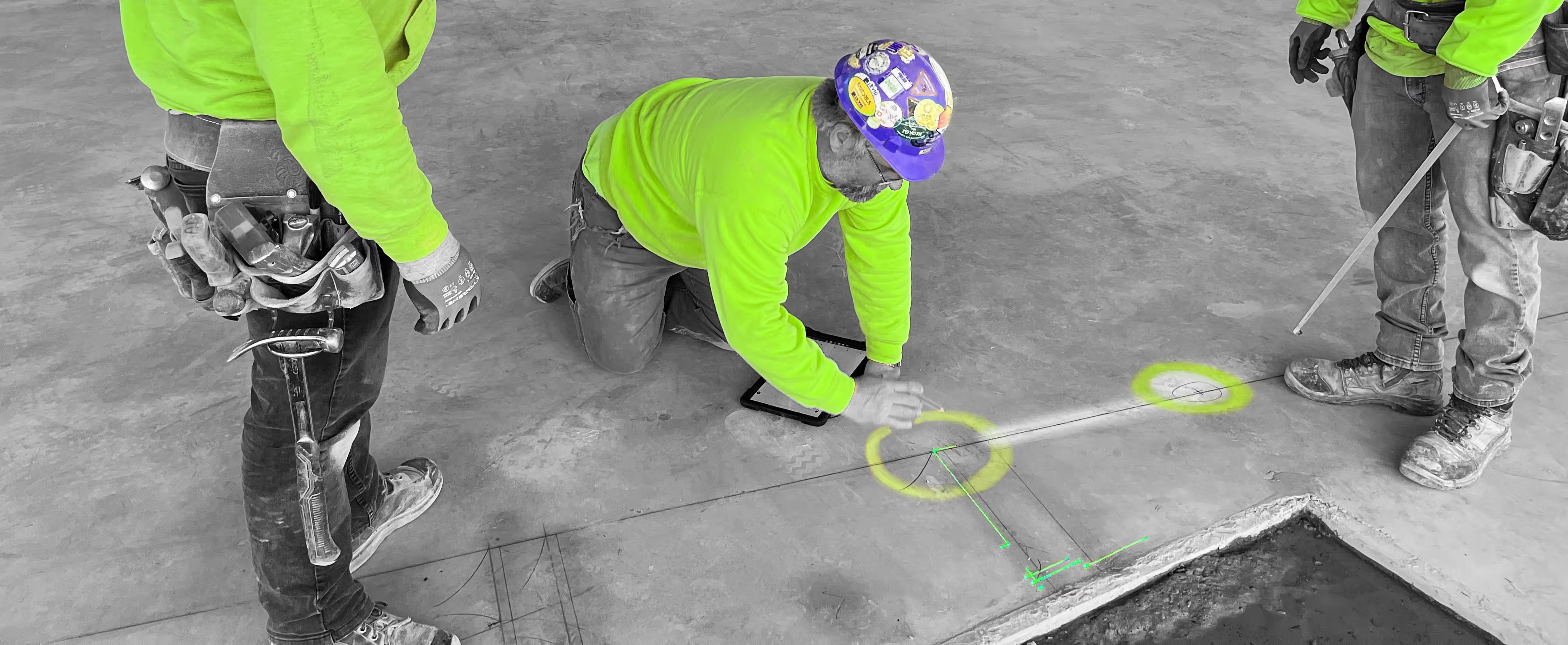
LightYX helps concrete teams visualize critical layout elements directly on the slab before pours begin. By bringing coordinated design data into the field, crews can validate column grids, wall locations, and penetrations early — reducing surprises downstream and keeping projects on schedule.
What LightYX Does for Concrete Construction
LightYX supports accurate concrete layout and pre-pour verification by projecting:
- Column grids and core wall locations
- Shear walls and structural boundaries
- Slab penetrations and sleeves
- Embed and anchor reference points
- Equipment pad outlines
- Edge of slab and perimeter lines
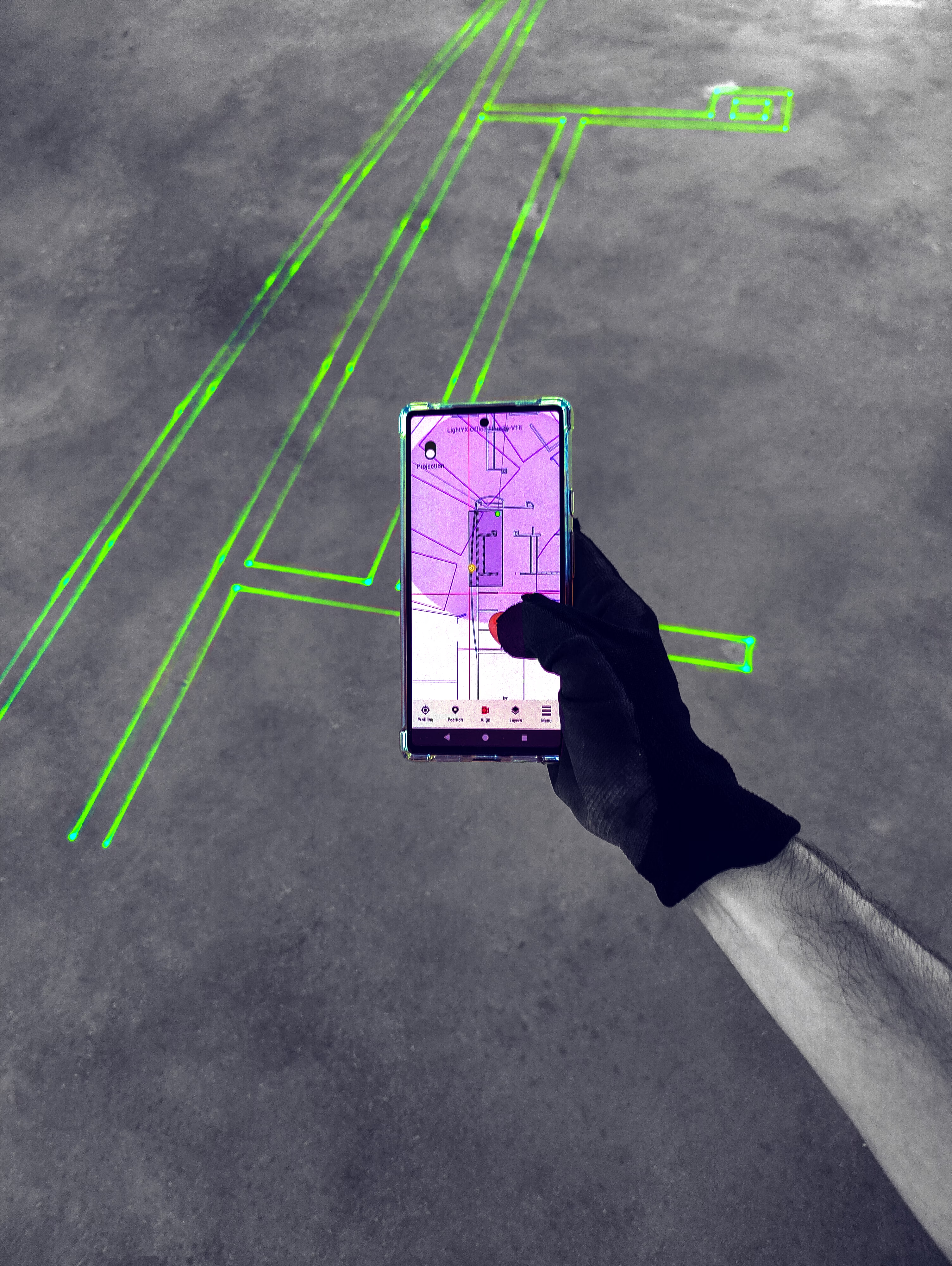
Layout is displayed directly on hard concrete floors and decks, giving crews clear spatial reference before forms are set or concrete is placed.
Why Concrete Teams Choose LightYX
- Verify Before You Pour – Catch layout issues while corrections are still easy.
- Improve Downstream Coordination – Keep concrete aligned with steel, framing, MEP, and façades.
- Reduce Costly Rework – Avoid cutting, coring, and patching after placement.
- Support Repetitive Floor Layouts – Maintain consistency across podiums and stacked levels.
- Accelerate Early-Stage Construction – Move faster from layout to forming and pouring.
How It Works
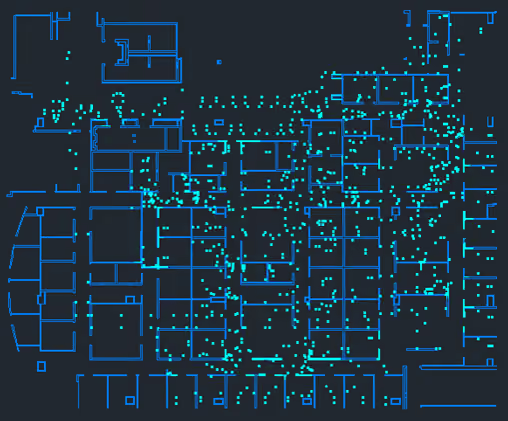
- Import coordinated CAD or BIM concrete drawings
- Align LightYX to jobsite control
- Project column grids, walls, embeds, and penetrations on slabs and decks
- Verify layout before forming and pouring
- Reduce layout time, coordination errors, and downstream fixes
Simple, visual, and built for real concrete workflows.

Built for Commercial Concrete Projects
LightYX supports concrete construction across office buildings, multifamily and mixed-use developments, healthcare facilities, education campuses, and large commercial projects.
Anywhere concrete accuracy sets the foundation for every trade that follows, LightYX helps teams build smarter from the very start.
Get started with LightYX Concrete Layout & Verification — validate your layout before the pour and set every project up for success.
Concrete Contractor? Speed Up Layout
CONTACT US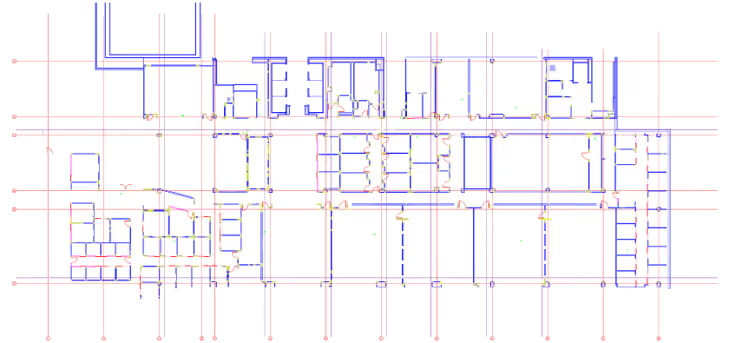






FAQ
How does LightYX help concrete teams verify layout before the pour?

LightYX projects column grids, core walls, shear walls, sleeves, embeds, penetrations, equipment pads, and slab reference lines directly onto concrete decks or slabs. This allows teams to visually verify critical layout before forms are set or concrete is placed.
Why is digital layout important for concrete construction?
Concrete mistakes are expensive because corrections often require cutting, coring, patching, or rework after placement. Digital layout helps concrete teams catch layout issues earlier, when changes are still easier and less costly.
How does LightYX reduce concrete rework and downstream trade conflicts?
LightYX helps concrete teams align embeds, penetrations, wall locations, and slab references with coordinated drawings. This reduces downstream issues for steel, framing, MEP, and facade installation.
What concrete layout information can LightYX project?
LightYX can project column grids, core wall locations, shear walls, structural boundaries, slab penetrations, sleeves, embed points, anchor references, equipment pad outlines, edge-of-slab lines, and perimeter references.
How does LightYX improve layout consistency on repetitive floors or podium levels?
LightYX helps teams repeat the same coordinated concrete layout across levels with consistent references and reduced manual measurement. This is useful for multifamily, mixed-use, healthcare, education, and large commercial projects.

