
-Photoroom.avif)


Drywall framing demands speed and accuracy from the first layout line. Misplaced walls, incorrect openings, or missing backing quickly lead to delays, rework, and coordination issues with MEP and finishes.
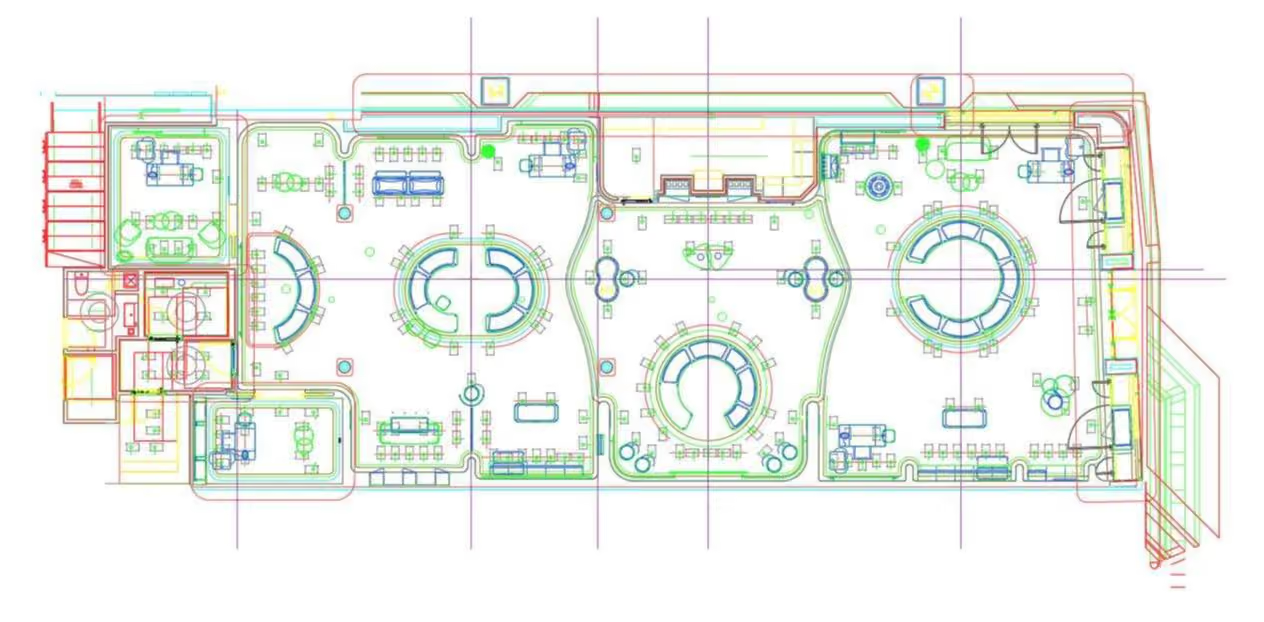
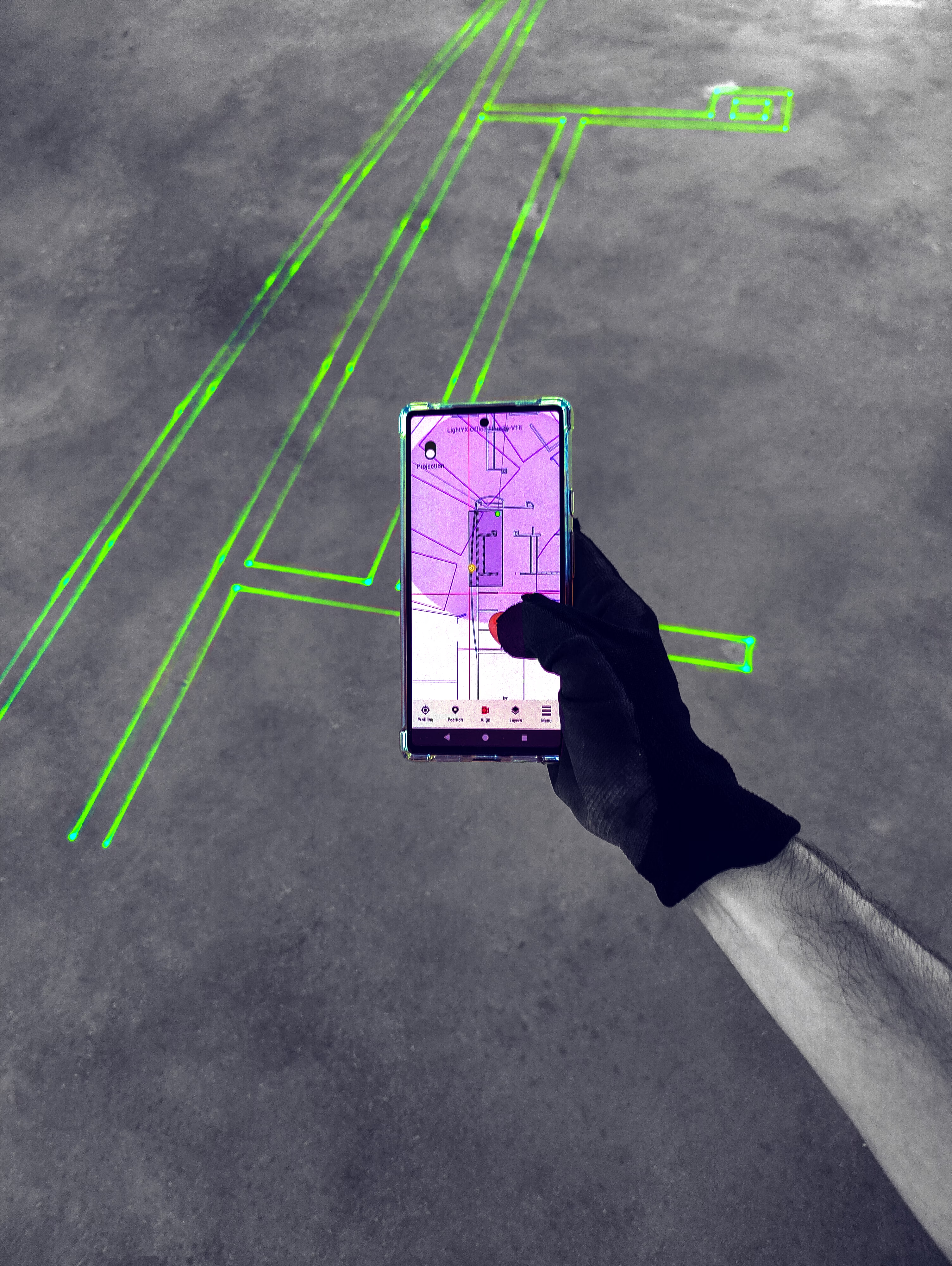
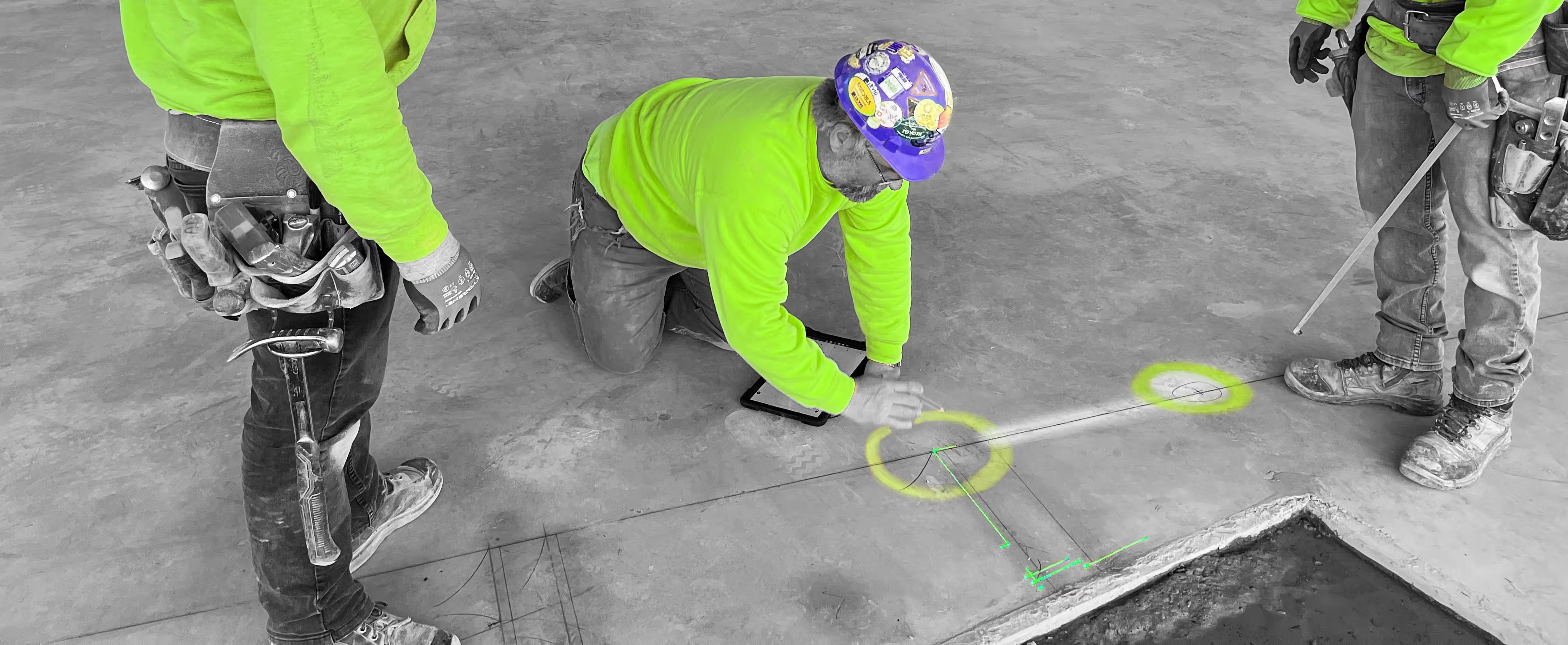
With LightYX, coordinated CAD or BIM models are projected directly onto hard floor and ceiling surfaces, giving drywall crews clear, visual guidance they can build from immediately. No tape measures. No chalk lines. No guesswork. Whether you’re laying out partitions, door openings, radius walls, or architectural details, LightYX turns digital design into full-scale, on-site layout — helping teams move faster while building exactly to plan.
WHAT LIGHTYX DOES FOR DRYWALL FRAMING
LightYX enables confident drywall layout from day one by projecting:
- Interior and exterior partition walls
- Track layout on slab
- Door and window rough openings
- Radius walls and offsets
- Backing and blocking locations
- Wall type labels and layout annotations
- Ceiling references for vertical alignment
All projected directly where crews work — on floors and ceilings — so installation starts immediately with clarity.
WHY DRYWALL CONTRACTORS CHOOSE LIGHTYX
- Start Building Sooner – Instant laser layout replaces measuring and chalk lines.
- Improve Accuracy Across Trades – Keeps drywall aligned with steel framing, MEP, and architectural details.
- Handle Complex Geometry with Ease – Simplifies radius walls, offsets, and mixed wall types.
- Project on Floors and Ceilings – Enables precise soffits, bulkheads, and ceiling coordination.
- Scale Easily on Repetitive Projects – Delivers consistent, model-based layout on every level.
How Drywall Framing Layout Works
- Import your coordinated CAD or BIM files
- Align LightYX to your jobsite control
- Project full-scale drywall layout on floors and ceilings
- Crews frame directly to what they see
- Reduce layout time, coordination errors, and rework
Simple, visual, and built for real jobsite conditions.
Built for Commercial Drywall Projects
LightYX supports drywall framing workflows across office and tenant improvement projects, multifamily and mixed-use buildings, healthcare and education facilities, and hospitality and retail interiors.
Anywhere drywall meets tight schedules and complex coordination, LightYX helps teams deliver faster with higher confidence.
Get started with LightYX Drywall Layout — turn coordinated drawings into clear, actionable layout on floors and ceilings so your crews build right the first time.
Drywall Contractor? Speed Up Layout
CONTACT US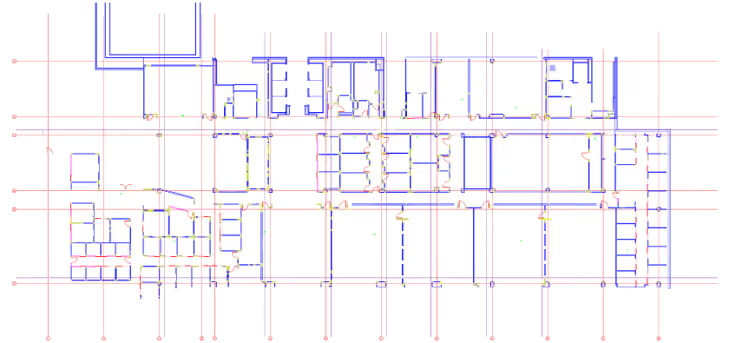



FAQ
How does LightYX improve drywall and framing layout speed while reducing rework?

LightYX projects partition lines, door openings, radius walls, backing locations, wall type labels, offsets, and ceiling references directly from coordinated drawings. Drywall crews can start framing faster while reducing mistakes caused by manual measuring, chalk lines, or plan interpretation.
Why is digital layout valuable for commercial drywall contractors?
Commercial drywall projects often include tight schedules, many wall types, MEP coordination, openings, backing, soffits, and complex geometry. Digital laser layout helps drywall contractors build directly from coordinated drawings and reduce dependency on highly experienced layout workers.
How does LightYX help with radius walls, offsets, and complex drywall geometry?
How does LightYX help with radius walls, offsets, and complex drywall geometry? Curved walls and complex offsets are difficult to lay out manually because they require many reference points and careful measurements. LightYX projects the geometry directly at full scale, making complex drywall layouts easier to understand and faster to build.
How can drywall crews improve floor-to-ceiling alignment for partitions and top track?
LightYX can project layout references on floors and ceilings, helping crews align bottom track, top track, soffits, and vertical framing conditions. This reduces alignment issues that often appear later during framing, ceiling, or finish work.
What drywall layout information can LightYX project on the jobsite?
LightYX can project interior and exterior partition lines, track layout, rough openings, wall offsets, radius walls, backing and blocking locations, wall type labels, layout annotations, and ceiling references directly where crews work.

